Filtering
Spec
Finding transactions in the register: search by words or an amount, and one filter for what has not cleared. Both narrow the same list and work together.
Search
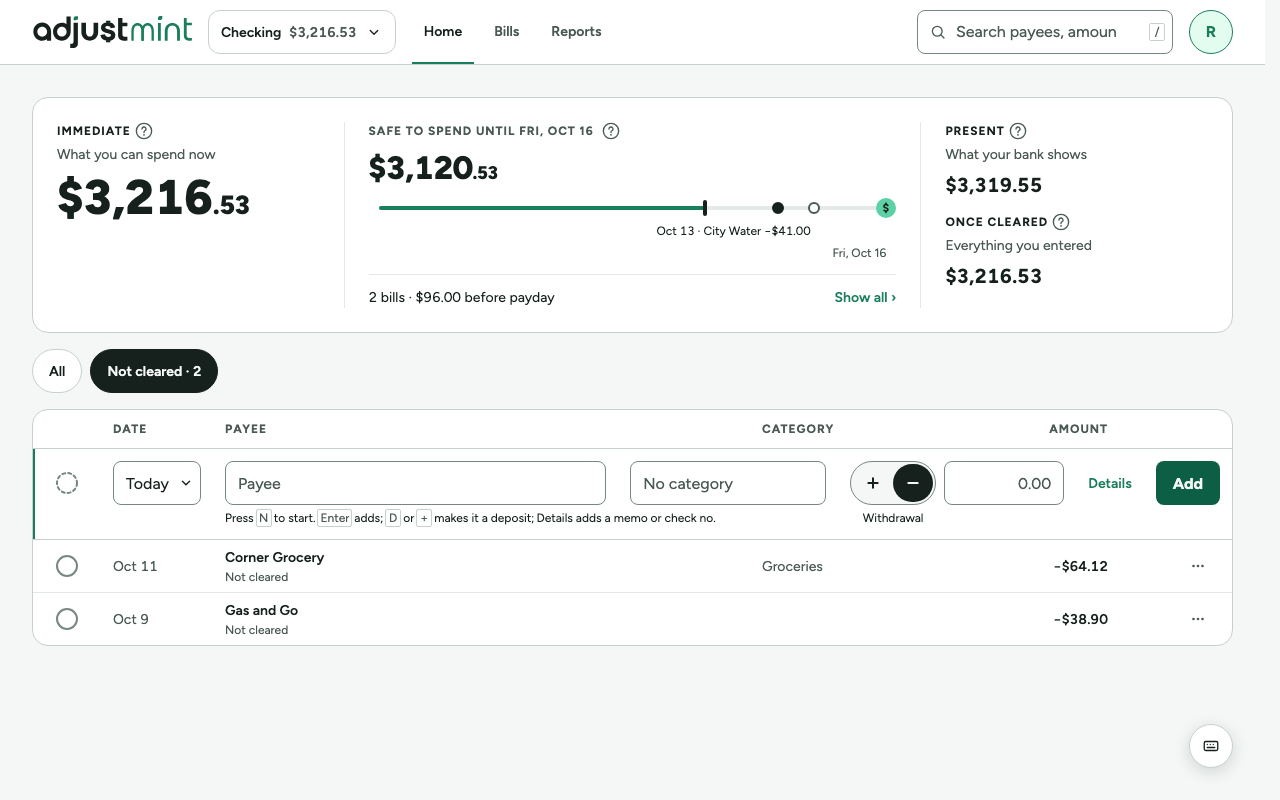
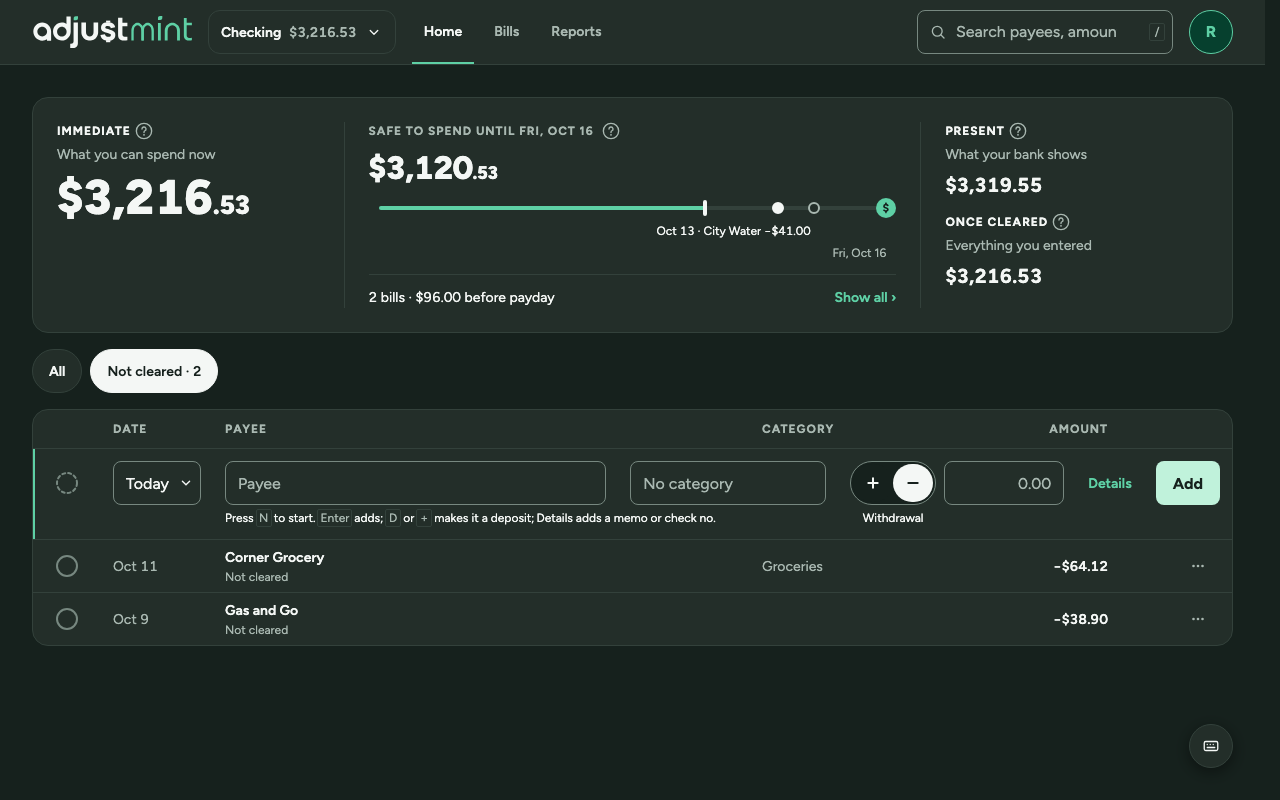
- Wide screens: a search field in the app header, with the / hint. Pressing / moves focus to it.
- Phones: a search button in the top bar. The field then takes over the top bar with a close button; Escape or close clears the search and returns focus to the search button. There is no search field in the page itself.
- It finds transactions whose payee or memo contains the text, or whose amount matches, as a withdrawal or a deposit.
All and Not cleared
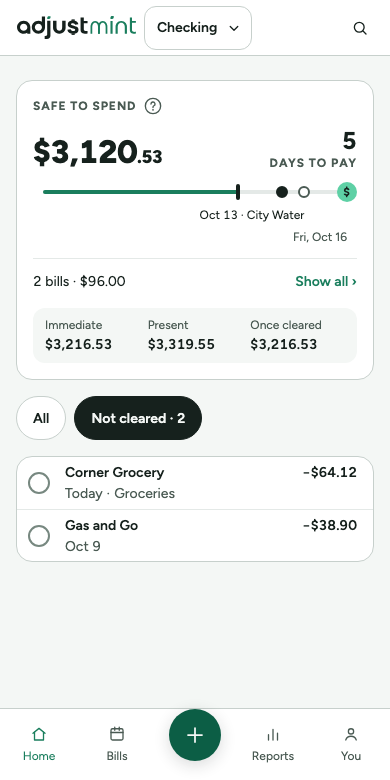
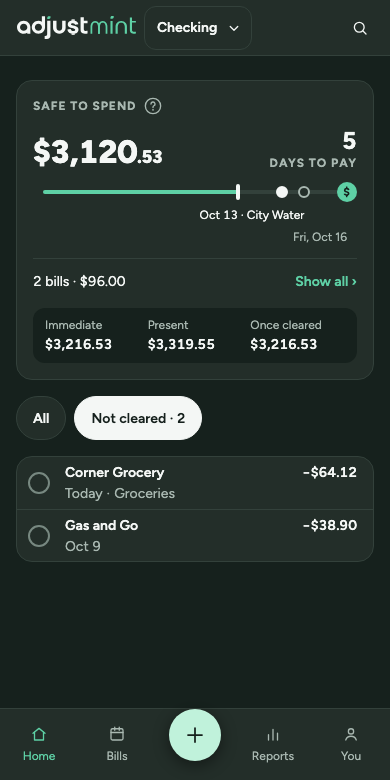
- Two pills above the register, in a group labelled "Show": "All" and "Not cleared · 3", with the count of transactions not cleared yet.
- The selected pill uses surface-selected with text-inverse. Pills choose or filter; they never act like buttons.
- The pinned balances bar repeats the filter as "3 not cleared", so it stays in reach while scrolling.
Results
- The balances never change with a search or filter: they always count every transaction in the account.
- Nothing found: "No transactions match."
- If a filter or search hides a transaction that was just added, the first-transaction tip points at Immediate instead of the row.
Built 1.0.0
The app itself, version 1.0.0, with made-up data. Taken 2026-10-11.
Changes
- 1.0.0, Oct 11 2026: First record of what is built: search with the All and Not cleared pills, and the two empty results.